12 states · Excel workbook
12-State Sales Tax Toolkit (Excel)
One workbook for sellers who sell in more than one state.
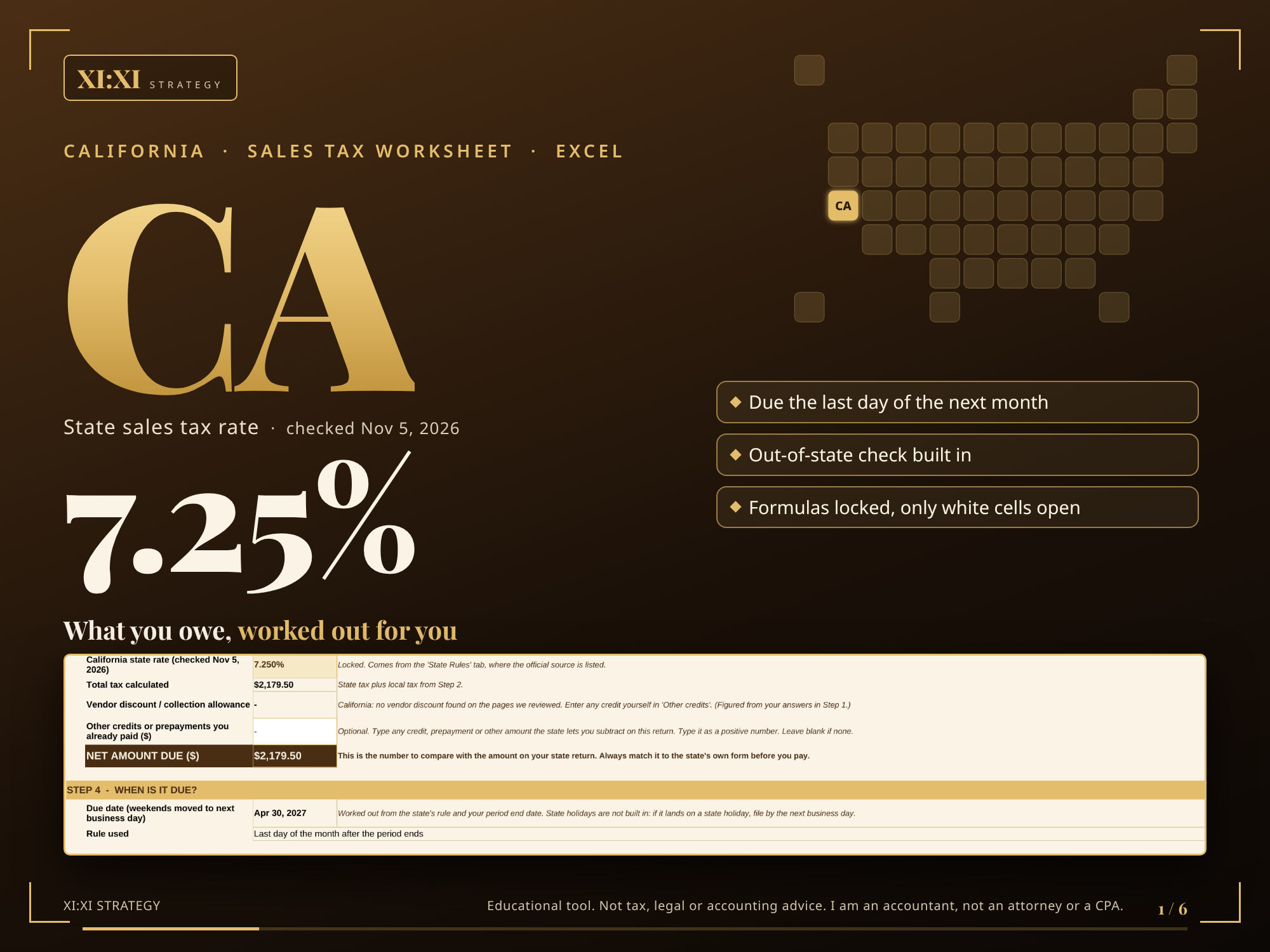
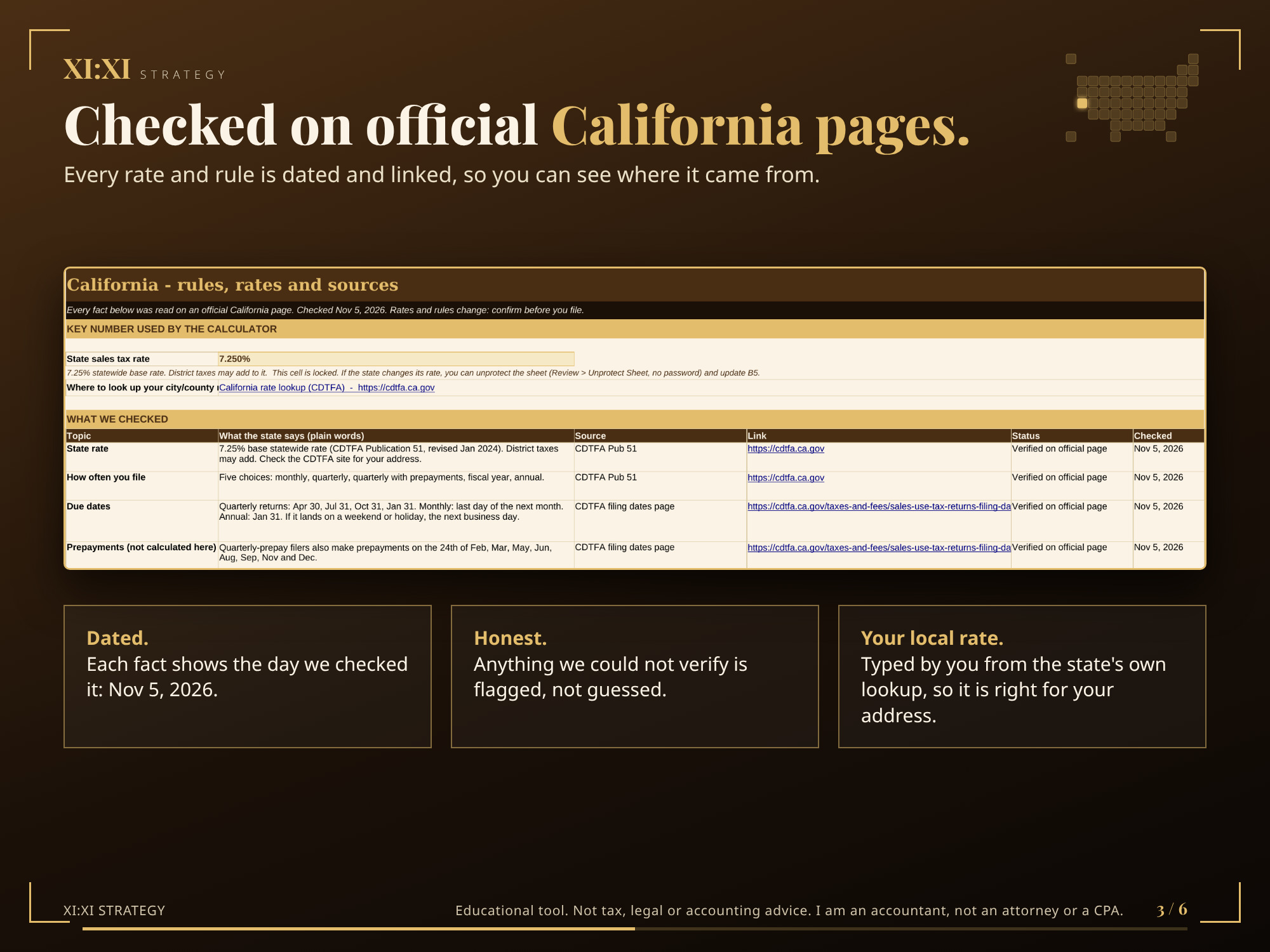
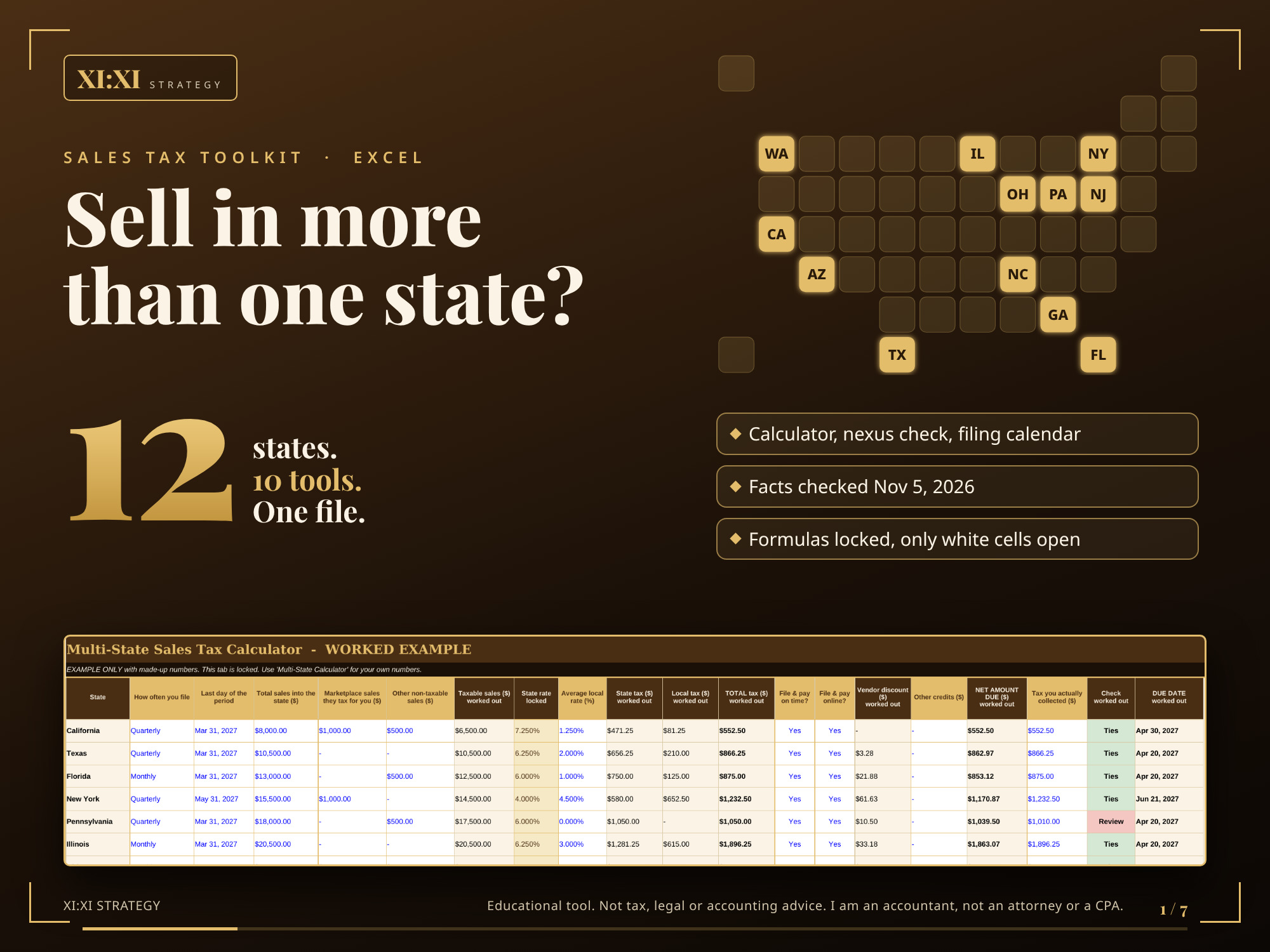
Ten sales tax tools for 12 states in one locked Excel workbook: California, Texas, Florida, New York, Pennsylvania, Illinois, Ohio, Georgia, North Carolina, New Jersey, Washington and Arizona. Every rate and rule was checked against official state pages on Nov 5, 2026 and is dated and linked in the file.
Secure checkout with Stripe.
What it does
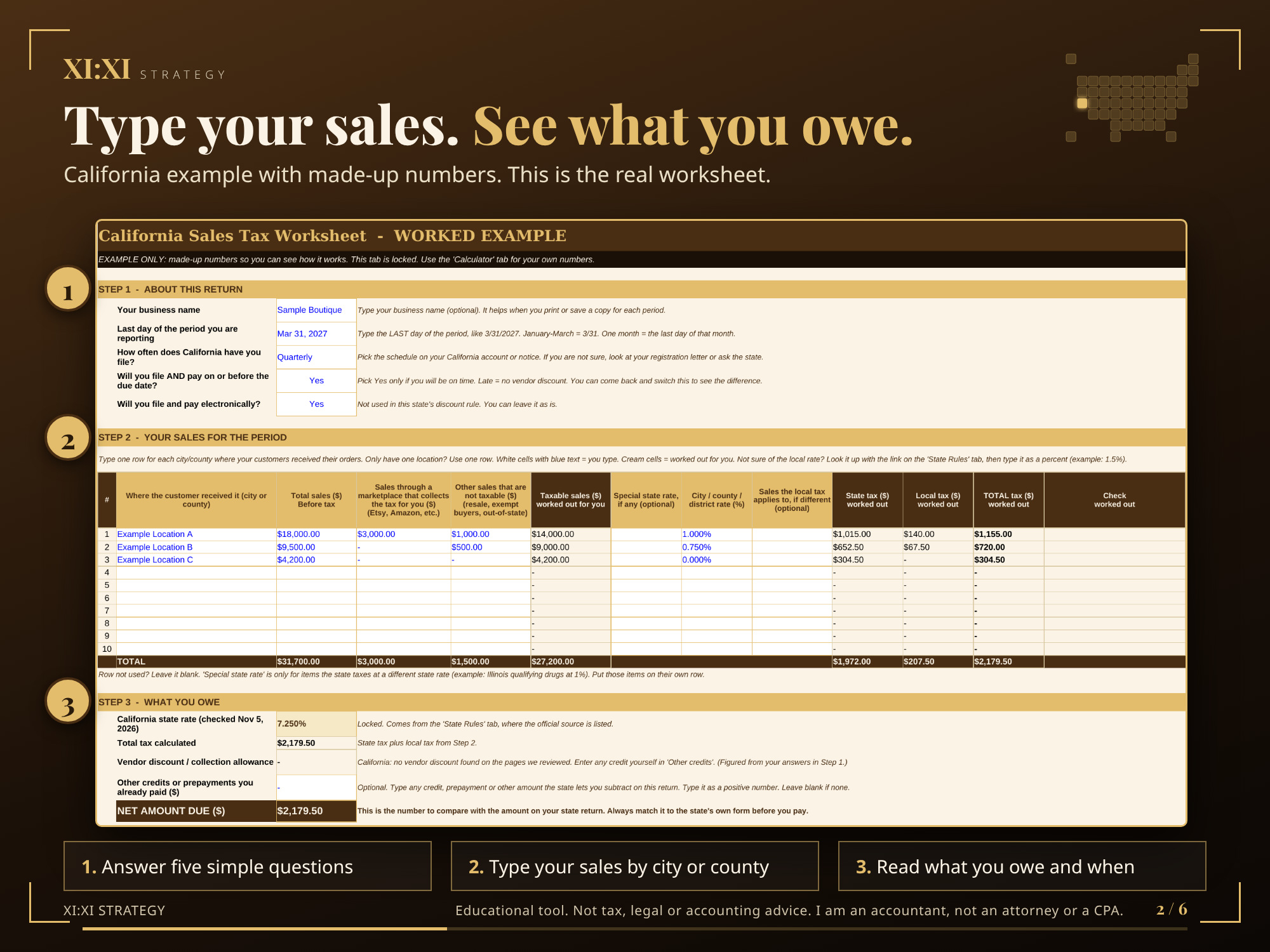
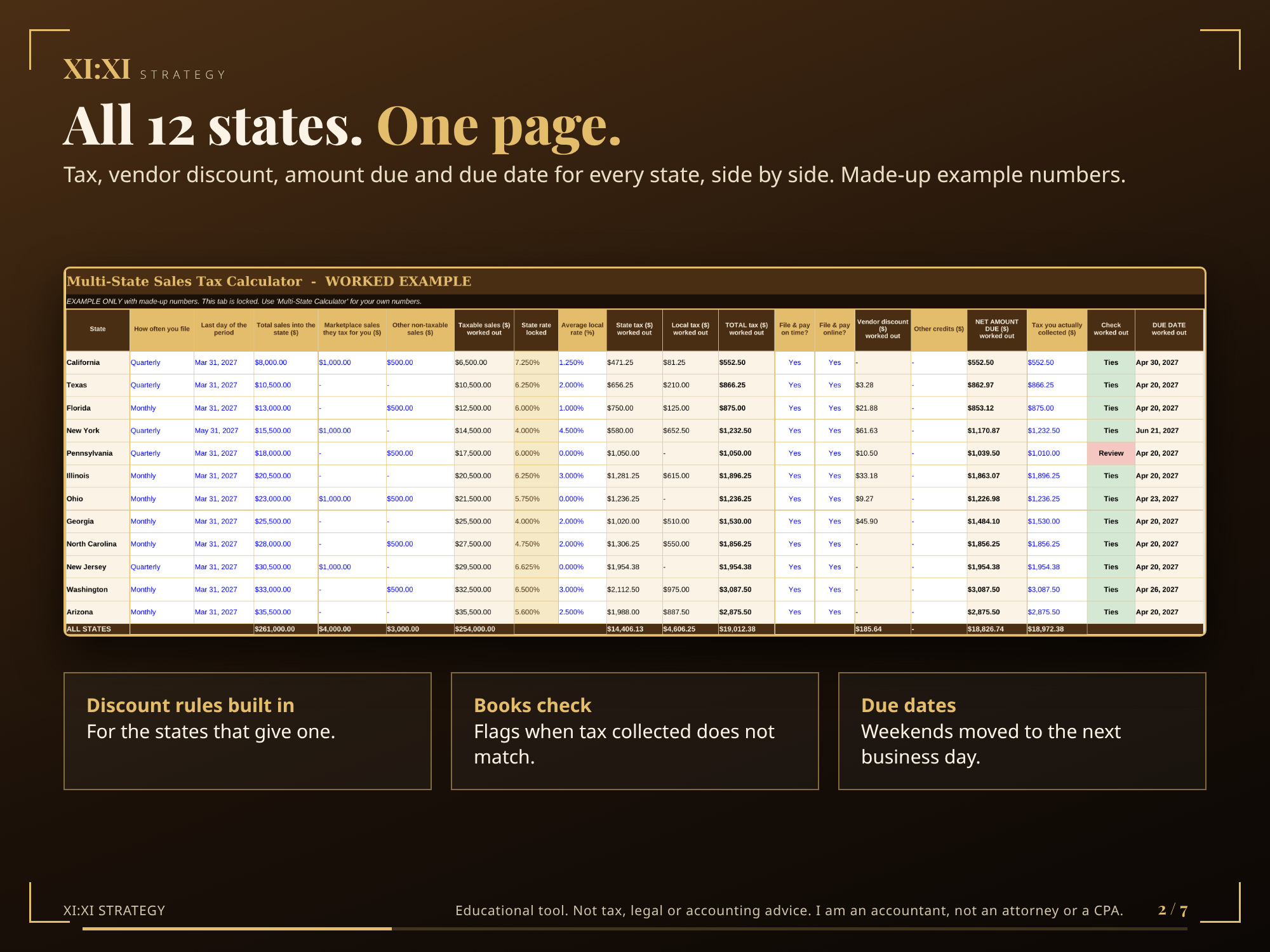
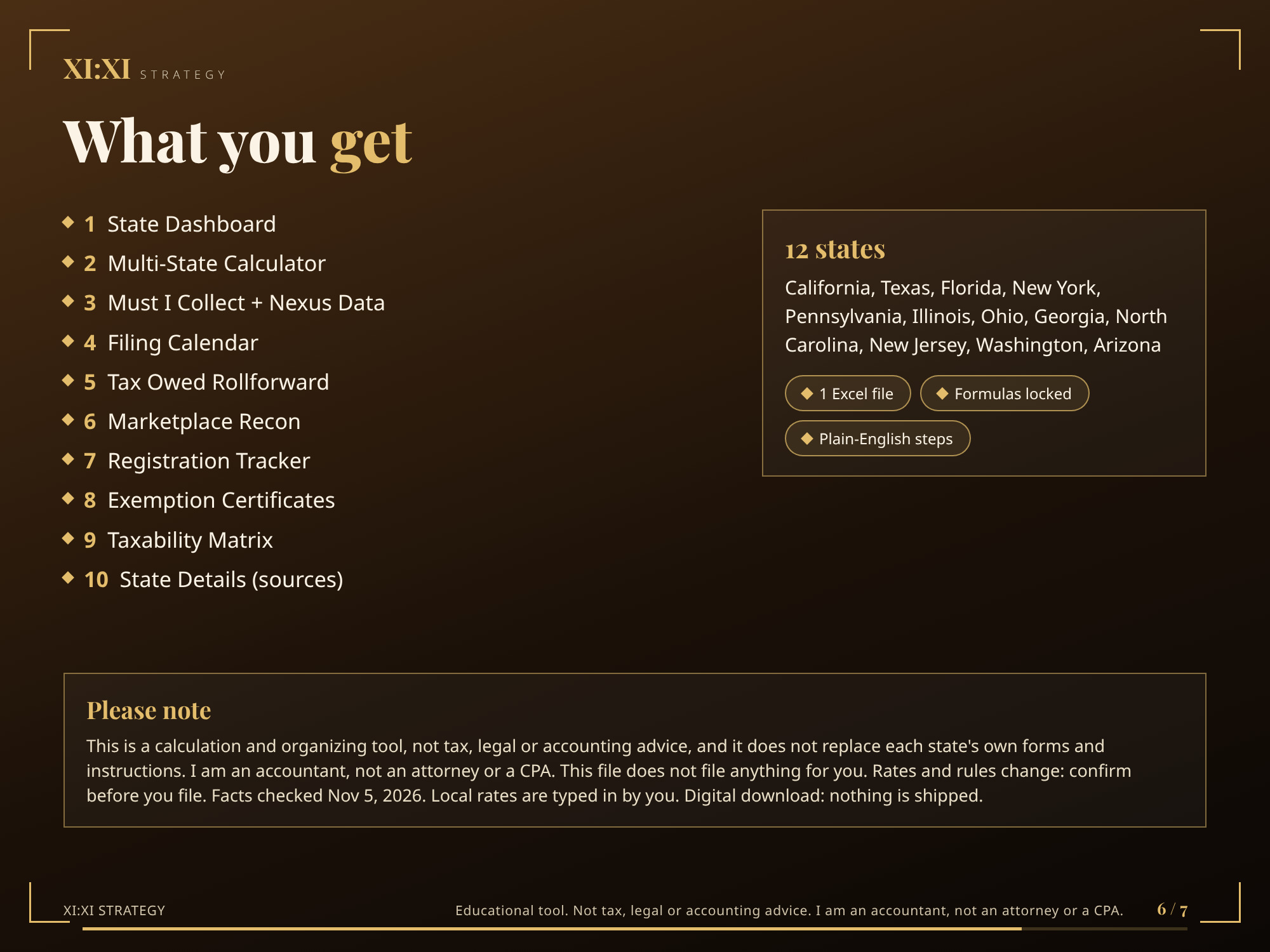
- Multi-State Calculator: tax, vendor discount, amount due and due date for all 12 states side by side (one row per state, using your average local rate; for city-by-city detail use the single-state worksheets)
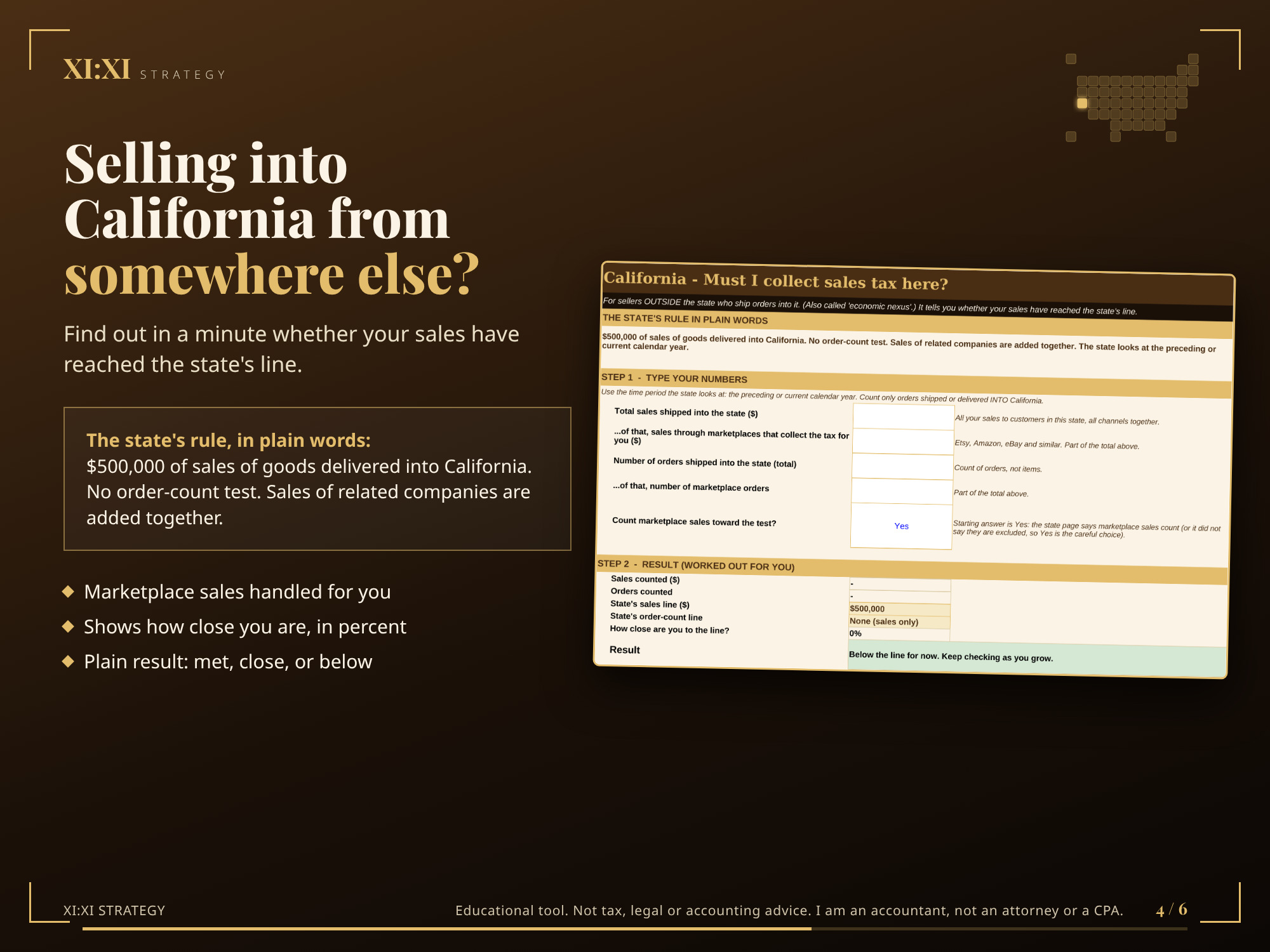
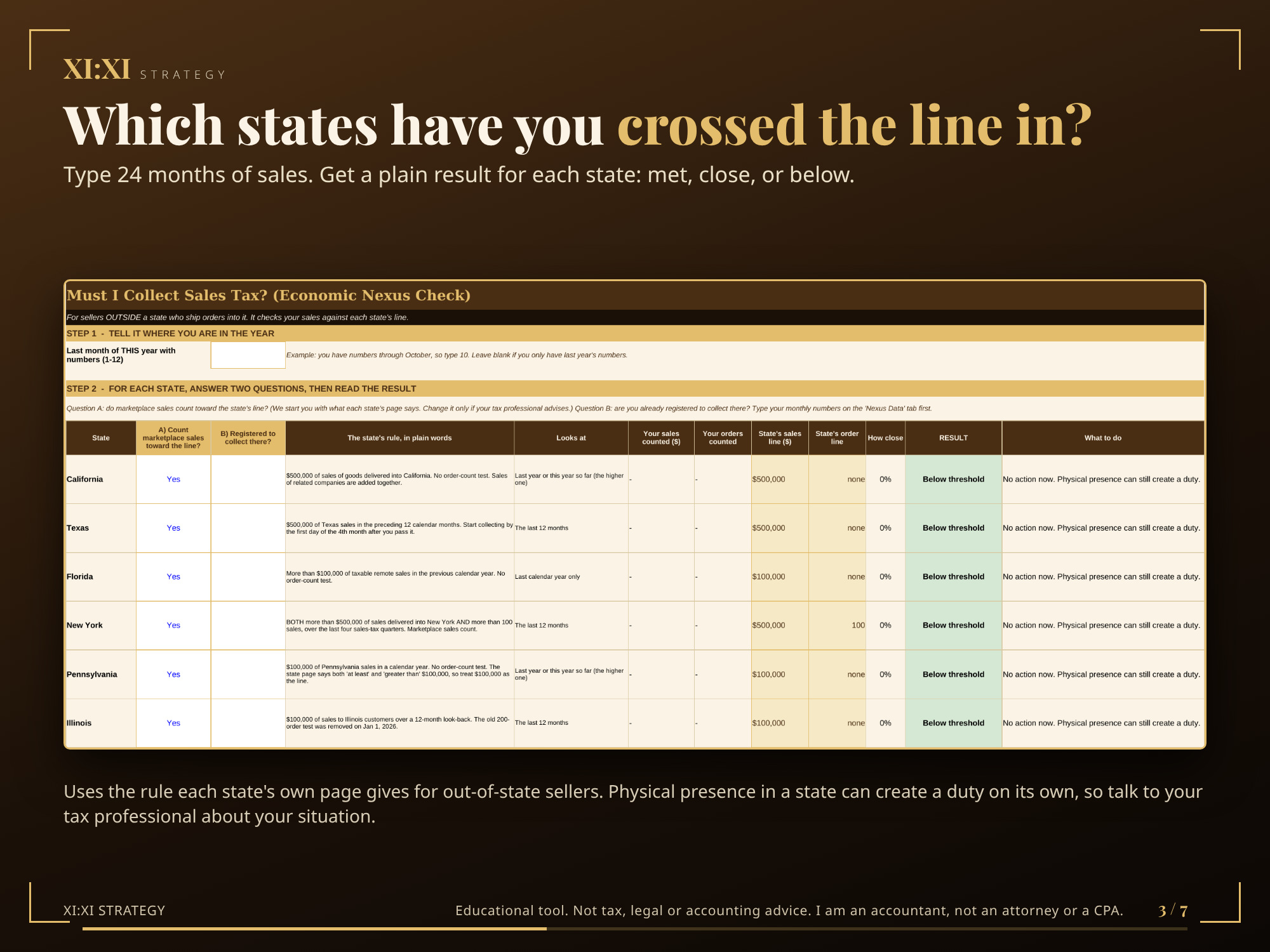
- Must I Collect + Nexus Data: type 24 months of sales into each state and read a plain result for each (met, close, or below), using the rule each state’s own page gives
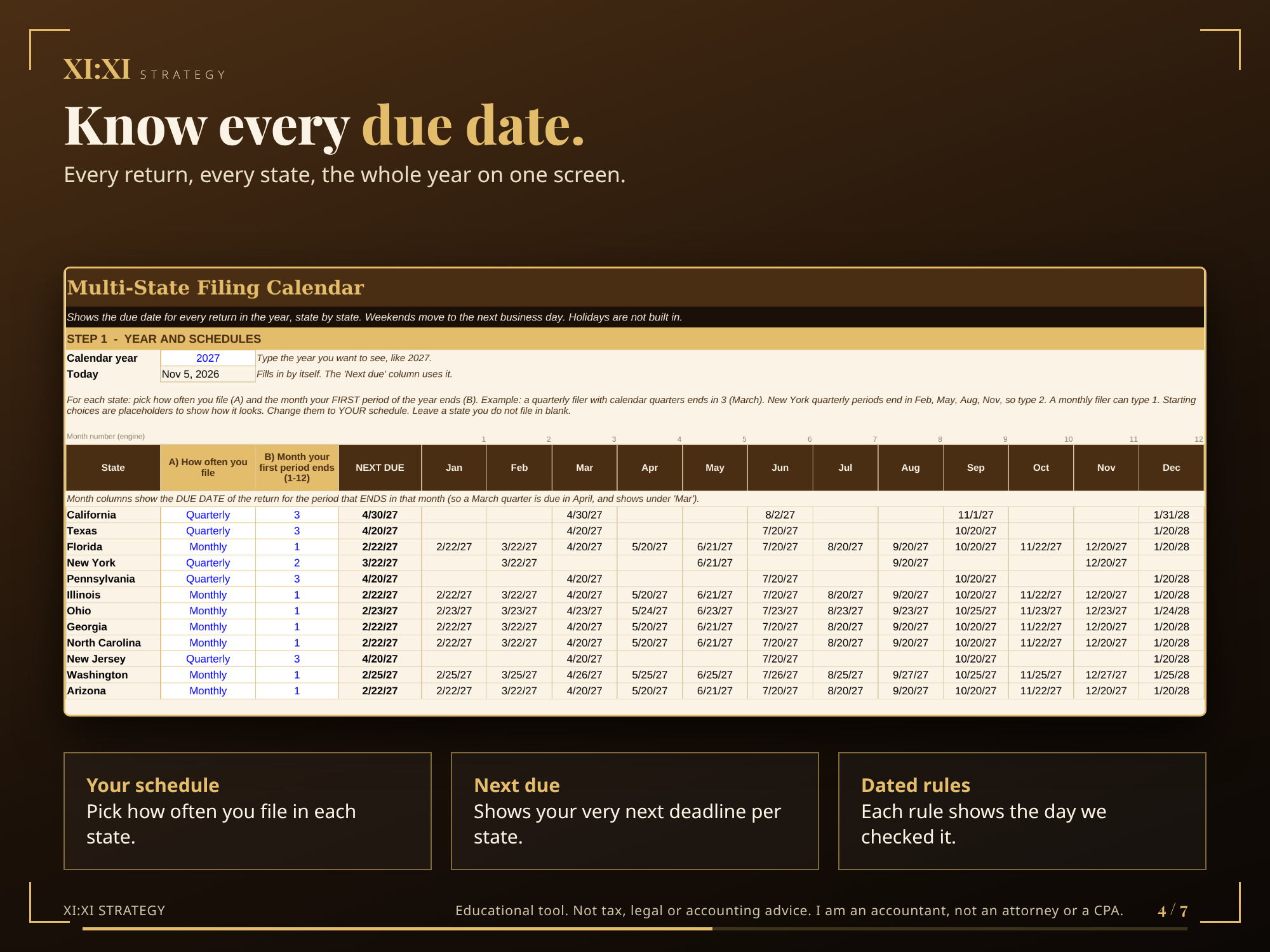
- Filing Calendar: every return, every state, the whole year, plus your next due date
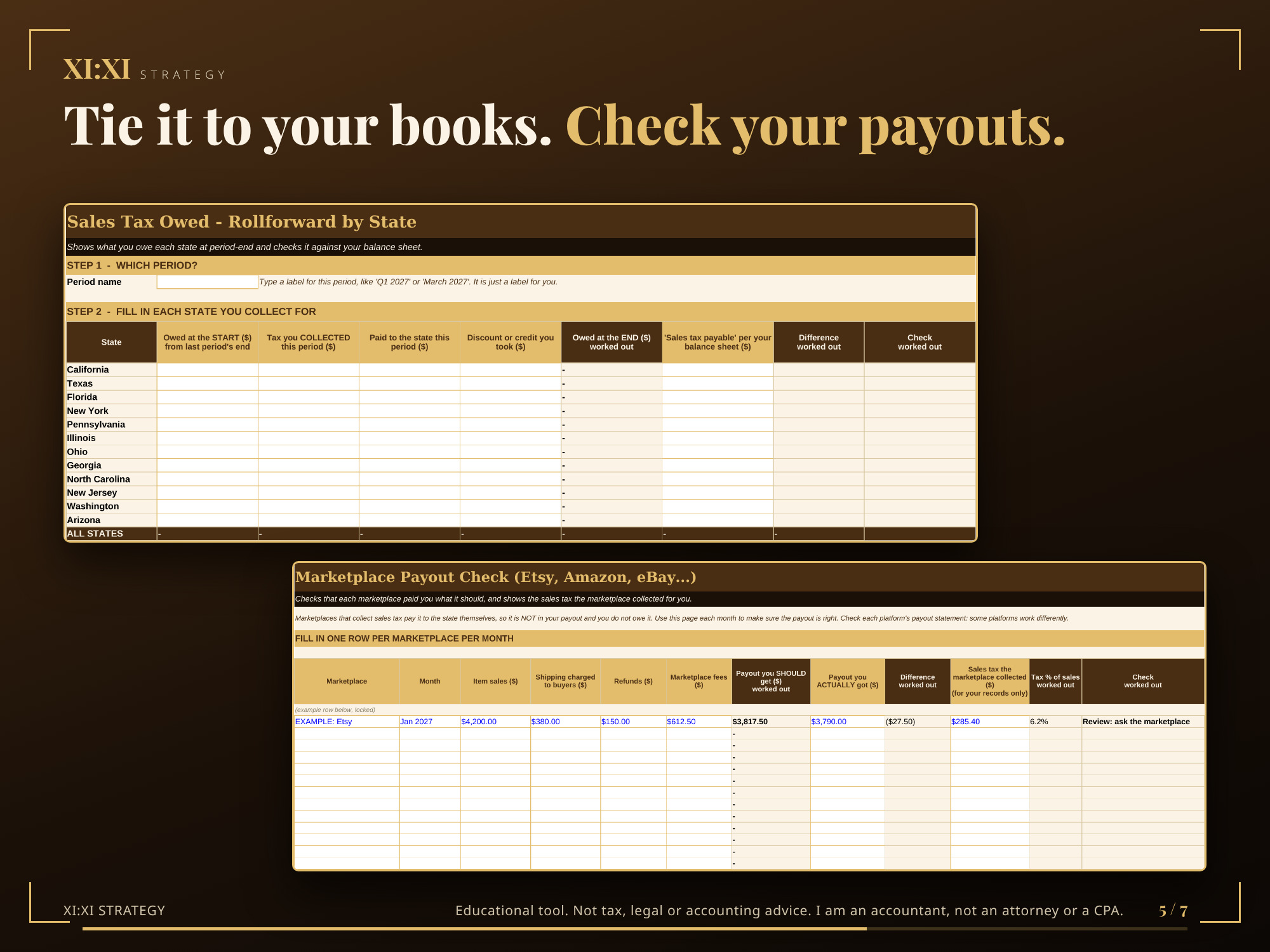
- Tax Owed Rollforward: what you owe each state at period end, checked against your balance sheet
- Marketplace Recon: checks that Etsy, Amazon, eBay and similar payouts add up
- Registration Tracker: where you are registered, account numbers, who files
- Exemption Certificates: resale and exemption certificates, with missing and expiring flags
- Taxability Matrix: your own sheet for what is taxable in each state
- State Dashboard and State Details: one-page summary and every source
Who it is for
Sellers, bookkeepers and accountants who handle sales tax in several states and want one organized, checked file. Built for sales you handle yourself (your own website, in-person sales, invoices and other channels) and for keeping track of marketplace sales.
Please read: marketplaces. Etsy says it collects and remits sales tax on Etsy orders in all 12 of these states, so tax on those orders is handled by Etsy. The toolkit keeps marketplace sales out of the tax you owe and still lets you track them, because some states count them toward the out-of-state line.
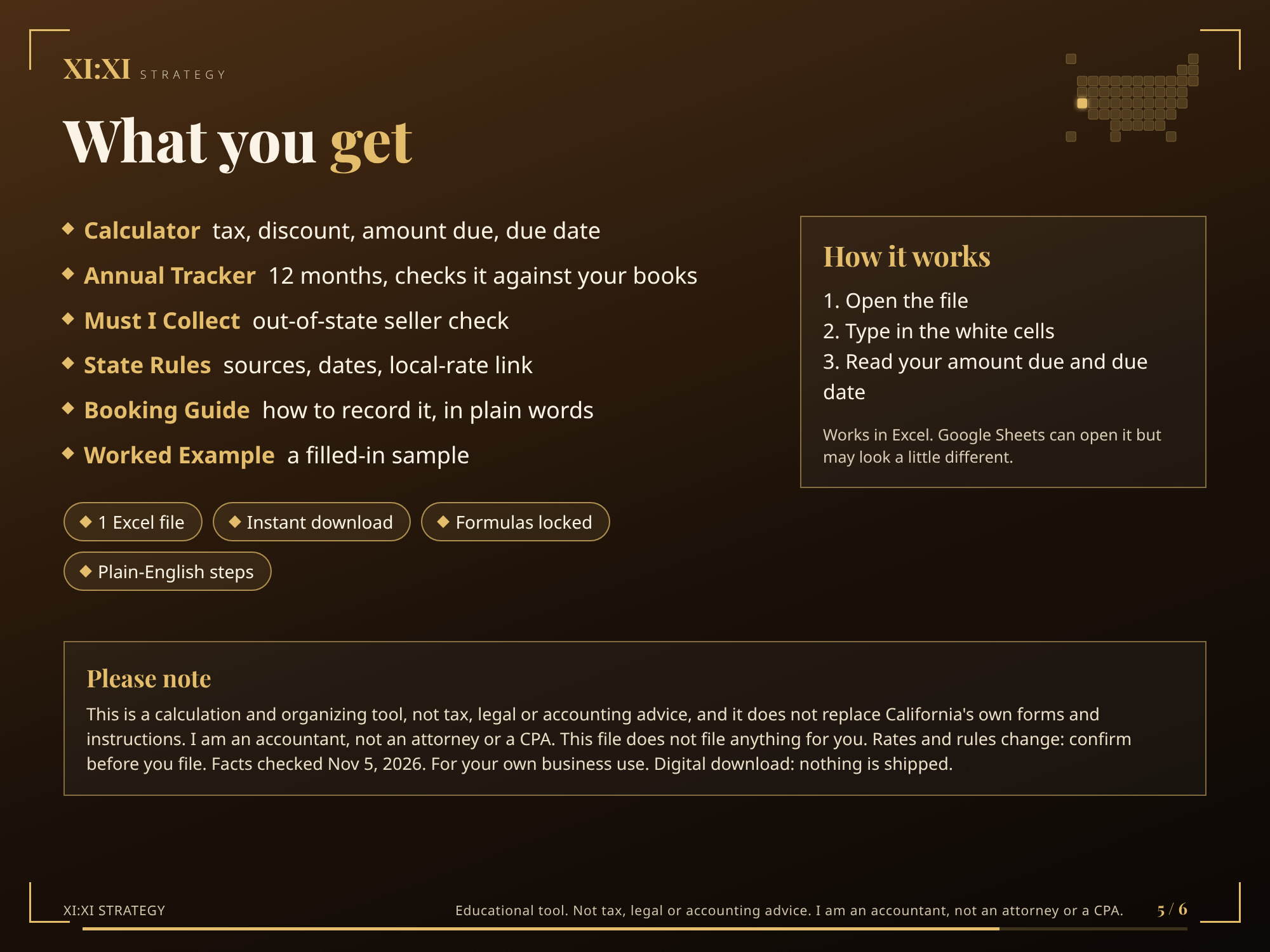
How it works
- Open the file and read the Start Here tab (three minutes).
- Type in the white cells with blue text.
- Read the cream cells and the plain-English results.
Formulas are locked. You can only type in the input cells. (To customize: Review > Unprotect Sheet. There is no password.)
What it does not do
- It does not file anything or send anything to a state.
- It does not look up your local rates. Each state’s lookup link is in the file; you type your rate in.
- Holidays are not built in.
- Things we could not verify on an official page are marked “not verified” and are not guessed.
File: Excel workbook (.xlsx), instant digital download. Nothing is shipped. Google Sheets can open .xlsx files but may look a little different; this file is built and checked for Excel.
Every sample number is made up. Rates, limits and due dates change: confirm with each state before you file or pay.
Accountant, not an attorney or CPA. Educational tool, not tax, legal or accounting advice. For use in your own business only. Please do not copy, resell or share.